
Judgment Sheet
How Streamers Use the "Is This Cheating?" Sheet for Live Q&A Streams
Why this sheet is such good stream material
The sheet's original format was born on stream: on October 6, 2026, Sukoya Kana filled it in live on her stream "これって浮気?健屋が判定します", reading out each question and announcing her pick. From mid-October, dozens of streamers including 四季凪アキラ, 渚トラウト, and Sister Cleaire (シスター・クレア) ran the same format, and the Sukoya Kana × 渚トラウト collab stream had passed 100,000 views by October 24. All of the original sources are catalogued on the origin page.
It works on stream because the sheet cuts "relationship talk" into 40 concrete, self-contained fragments. The streamer needs no script, and viewers need no rule explanation — the moment a question is read out, chat starts arguing on its own. Question 30, "going to a theme park together," is judged cheating by 85% of streamers in this site's statistics, yet there's always a viewer who thinks it's fine — and that's exactly how the debate gets going.
Before going live: a trial run beats everything else
Fill in all 40 questions yourself before the stream, for two reasons. One, you'll estimate the runtime: at a normal speaking pace, reading a question plus commentary takes about 20 to 40 seconds, so 40 questions plus an intro and results talk fits a one-hour slot comfortably. Two, you'll know where your own minefields are: decide in advance which questions you have real stories to tell — the best moments on stream aren't the answers themselves but the one line behind each answer.
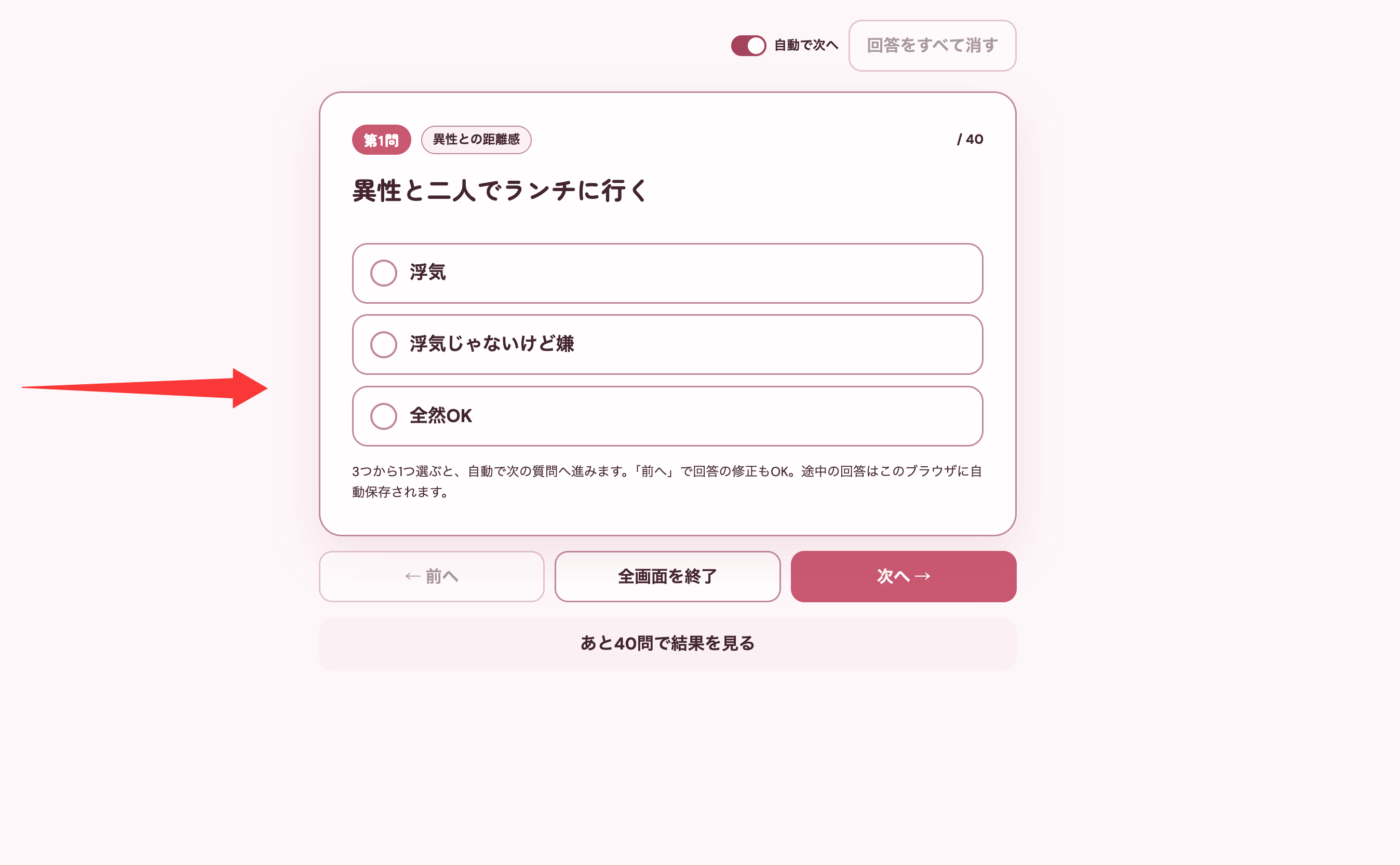
For the on-screen layout: the sheet is a vertical, card-style layout, so portrait mobile streaming can simply capture the phone screen. On PC with OBS, add a "Browser" source pointing to this site's sheet page, or use "Window Capture" on your browser window and crop the sheet area to fill the frame. When answering, switch on Focus Mode — only the current question and options remain on screen, which is the clearest possible view for chat.
During the stream: don't rush the questions
| Segment | Suggested length | Key points |
|---|---|---|
| Opening: explain the rules | 5 min | Demonstrate tapping an option, explain the three options, make clear there are no right answers |
| Question by question | 35–40 min | Read → pause for chat → reveal your answer → quick comment; linger on the divisive ones |
| Bonus question and results | 8 min | Make the bonus question an interaction highlight; show the cheating-line index and result type on the results page |
| Wrap-up and extension | 10 min | Revisit the controversial questions via "Review Answers"; tease that viewers can fill it in themselves and compare |
Two cautions
One: the sheet is entertainment — don't turn it on stream into an audit of a specific person. The original run's vibe was self-deprecating banter plus chat egging her on; using the sheet's answers to pass judgment on someone chat names specifically changes the whole character of the format and invites drama.
Two: when a viewer asks "why is my answer different from yours on this one?", the best response is to explain where your boundary comes from — not to convince them yours is right. This sheet went viral because differences create conversation; identical answers would have made it empty.
Frequently asked questions
Can viewers fill it in along with me?
Absolutely. Viewers reacting question by question in chat is the standard form of the original format; for viewers who want the full experience, share the invite link (which carries none of your answers) and let them fill it in on their own phones — they can then visit the streamer answers comparison page to see how close their answers are to yours.
Can I pause partway through the stream?
Yes. Answers save automatically in the browser, so you can wander off to other topics and come back with everything intact, and "Review Answers" lets you flip back to any question.
Is mobile or PC streaming easier?
Both work. For mobile, just capture the phone screen; on PC, add an OBS browser source plus Focus Mode so the questions fill more of the frame and chat can read them clearly.
Answer the judgment sheet online for free